Bedrock Vibrant Visuals settings explained
Vibrant Visuals is Minecraft Bedrock’s modern graphics mode, with directional sunlight, soft shadows, volumetric fog, reflective water and physically based materials. It left the experiments in 1.21.90 (June 2025) and is the default graphics mode on supported devices. A resource pack can adjust its settings; it cannot add new shader code.
What a Vibrant Visuals pack can change
| Pack folder | What it controls |
|---|---|
lighting/ | Sun and moon brightness, colour and path tilt, ambient (cave) light, sky light and how colourful glowing blocks are. |
atmospherics/ | Sky colours overhead and at the horizon, and how light scatters in the air (sky density, sunset glow). |
color_grading/ | The tone-mapping operator, contrast, saturation, gain, gamma and colour temperature: the film look. |
water/ | Water colour, waves and caustics (light patterns under water). |
shadows/ | Blocky or soft shadows. |
fogs/ | Volumetric fog density and colour, and the classic distance fog. |
local_lighting/ | The colour of light from blocks such as torches and lanterns. |
Settings can change with the time of day, and Minecraft’s own values differ per biome, so a good pack adjusts every biome instead of replacing one global file.
Not adjustable by packs: bloom, exposure, screen-space reflections, cloud lighting, the tone-mapping curve itself, render distance and anti-aliasing. These live in the game’s renderer, not in resource packs.
Which devices support it
- Windows PCs with DirectX 12.
- Xbox Series and PlayStation 5; Xbox One and PS4 have it switched off by default.
- iPhone and iPad with an A12 chip or newer.
- Many recent Android devices.
It is not available on the original Nintendo Switch, Chromebooks or Fire tablets. Servers can turn it off, and split-screen play uses Fancy graphics instead.
Turn it on with a pack
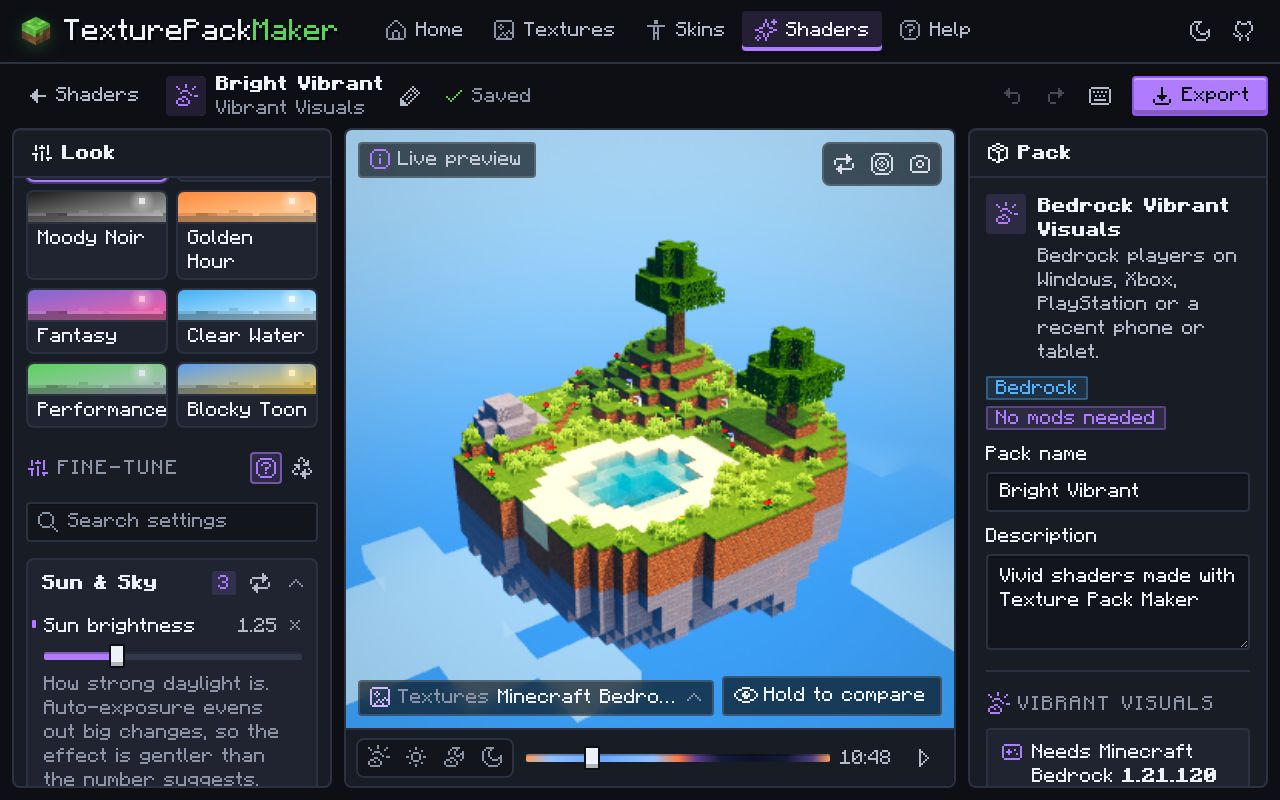
- Make a pack with the Shader Maker (choose Bedrock Vibrant Visuals) and export the
.mcpack. - Open the file. Minecraft imports it automatically.
- Go to Settings > Global Resources > My Packs and activate the pack. Deactivate classic texture packs that do not support Vibrant Visuals.
- Open Settings > Video and set Graphics Mode to Vibrant Visuals.
Questions
What is Vibrant Visuals in Minecraft?
Bedrock’s built-in modern graphics mode, released in 1.21.90. It adds directional lighting, shadows, volumetric fog, water reflections and PBR materials without add-ons.
Does Vibrant Visuals need a special texture pack?
No, it works with the default textures. But a classic texture pack that does not declare Vibrant Visuals support switches the mode off while it is active.
Do fog changes work without Vibrant Visuals?
Classic distance fog can be changed in every graphics mode. Volumetric fog and the lighting settings only apply in Vibrant Visuals.